
Where Can I Find My Location Registration Code?
Use the Location Registration Code to add devices to the Location. Location Registration Codes can be found in two places in OpenEye Web Services:
Web Connect
When logged in to your EU account, go to Web Connect. The Registration Code column lists the location registration codes.
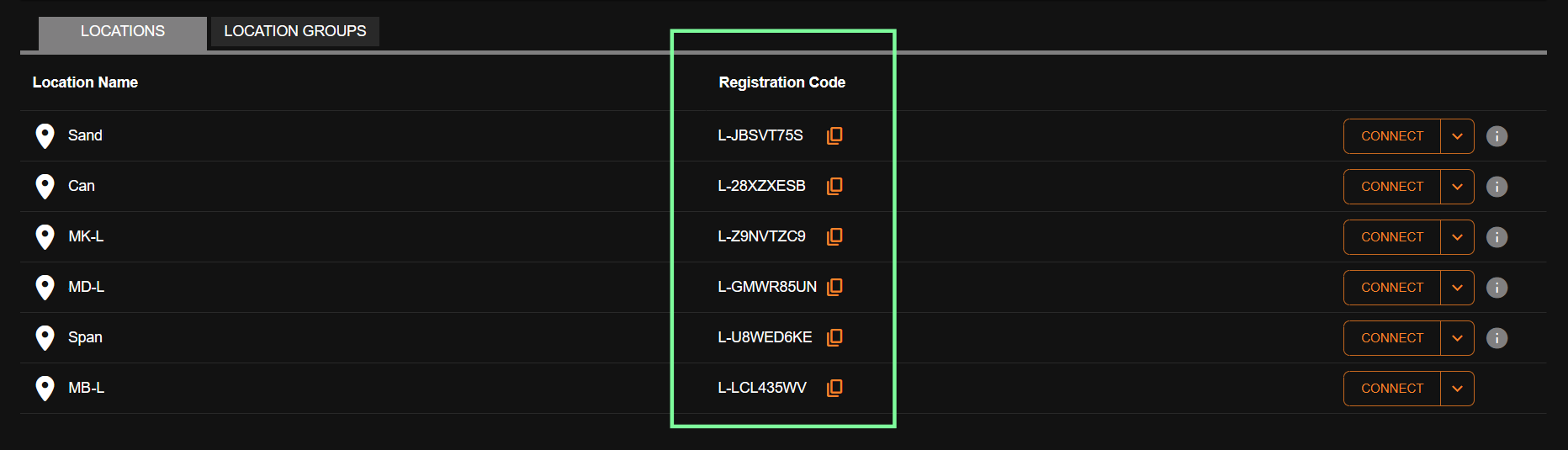
Locations
When logged in to your EU account, go to Management > Location Management > Select Location > General Information > Location Registration Code.
