
OE-MH Gen 3 Cloud-Managed Server Quick Start Guide
This guide will assist you with the initial setup of your cloud-managed server and recording software. This guide includes hardware setup, software setup, and connecting your appliance to the Web Services Portal.
Getting Started
Default Administrator Username and Password
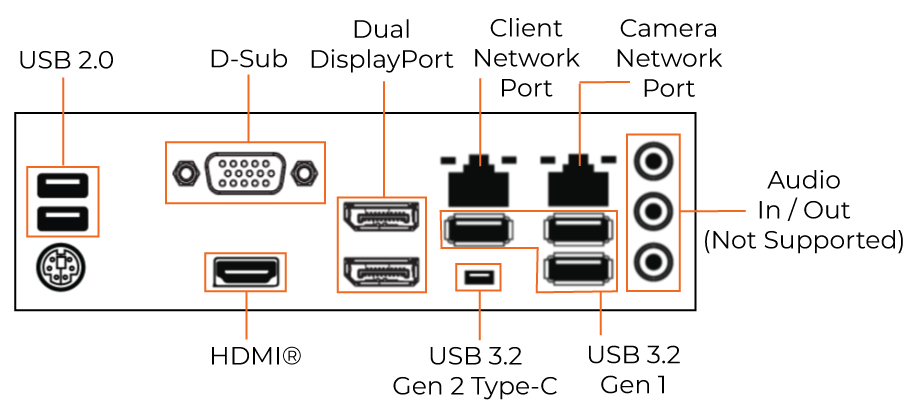
MH Gen 3 Back Panel

NOTE: The additional port is for RAID controllers, and is not to be used as a network connection.
Rear I/O Connections
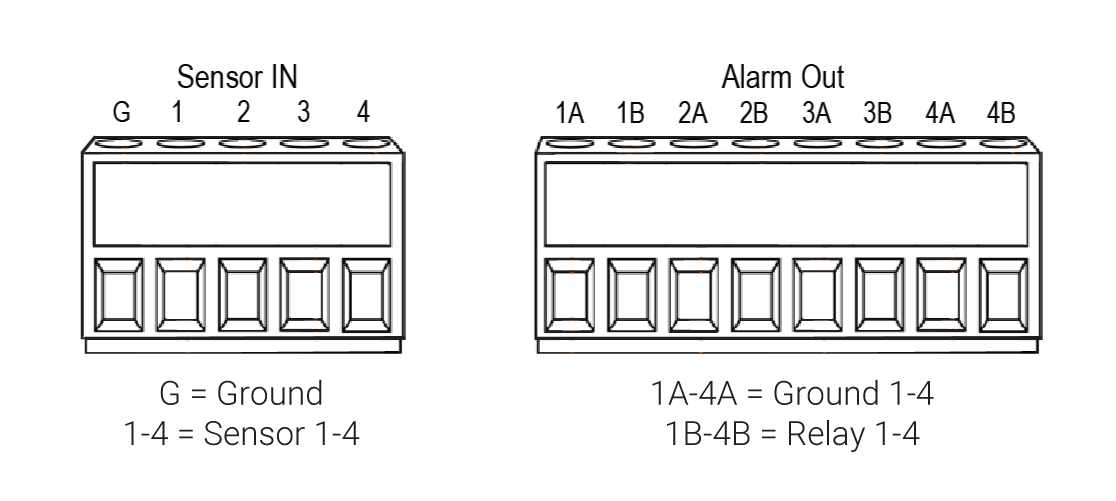
Sensor / Relay (Optional)
Camera Management
Adding Cameras Through the Camera Network Port
- Click Setup (Gear Icon).

- Under General Configuration, click Cameras.
- Click Add Cameras.

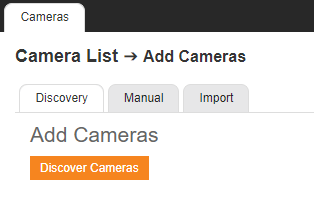
- Under the Discovery tab, click Discover Cameras.
- Check the appropriate boxes to select the device(s) to be added.
- Enter the appropriate credentials (username and password) for the devices to be added, and then click Add Selected Cameras.

Adding Cameras Manually
- Click Setup (Gear Icon).

- Select Cameras under General Configuration.
- Click Add Cameras.
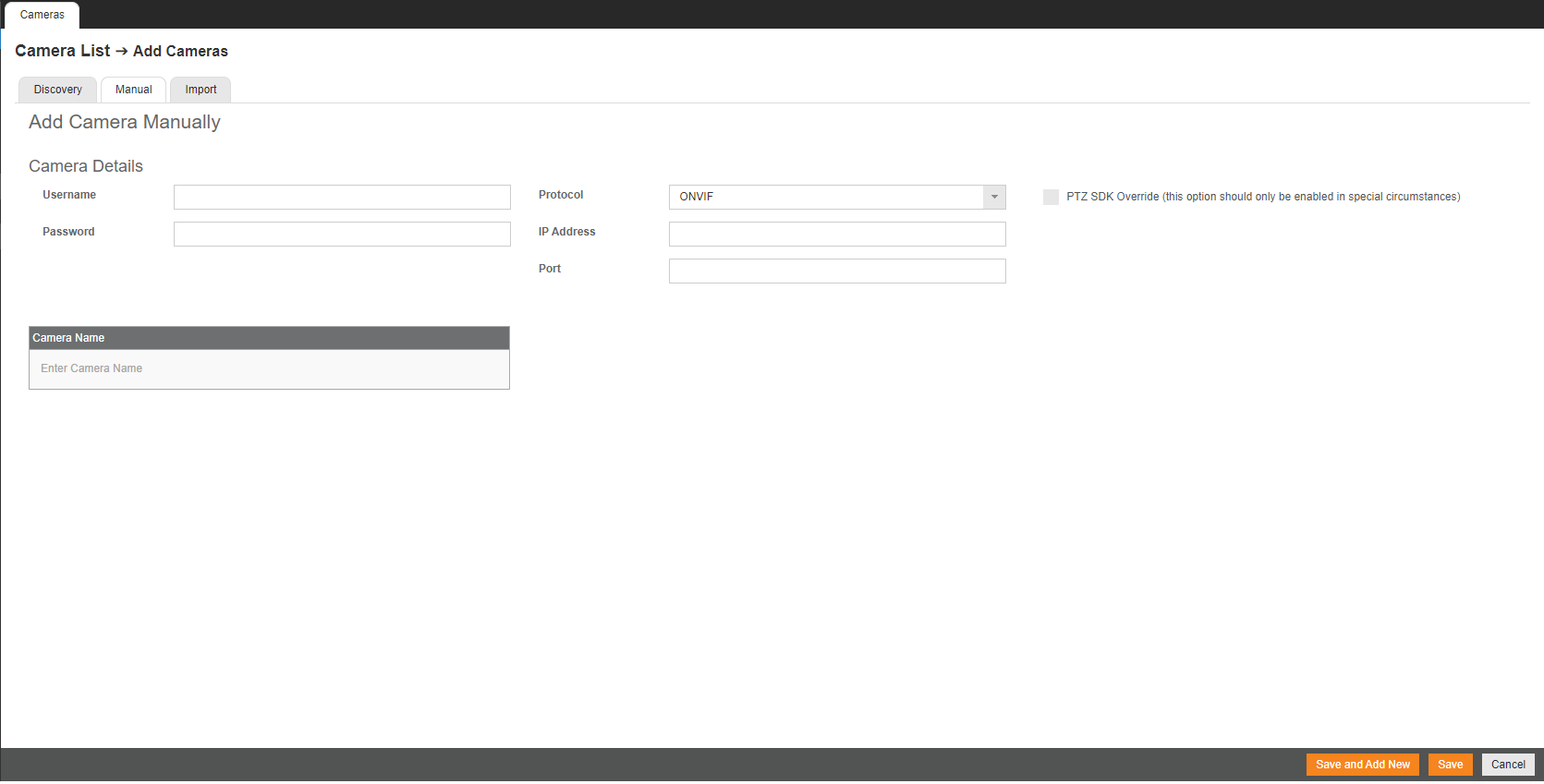
4. On the Add Cameras page, click the Manual tab.
5. Enter the appropriate connection information including Protocol, IP Address, Port, Manufacturer, Model, Username, Password, and Camera Name. For adding with RTSP, follow the details here.
6. Click Save or Save and Add New to add another camera.
Network Settings
| Remote Communication Port | 80 (8888 used if 80 is blocked) |
| Client Network Port IP Address | DHCP |
| Camera Network Port (External Switch) | 192.168.51.1 / 255.255.255.0 (Gateway and DNS blank) |