CENTEGIX Integration Instructions
CENTEGIX Integration Instructions
Follow these instructions to configure the cloud-to-cloud communication of OpenEye Web Services (OWS) and CENTEGIX:
Enable OWS in CENTEGIX Platform
-
Coordinate with your CENTEGIX Onboarding Specialist to get started and gain access to the video integration (required).
-
Log into CENTEGIX Safety Blueprint.
-
Before assigning cameras to your floor plan, ensure the video integration is enabled for each site.
- To do this, in the left navigation menu select My Accounts, Click Edit, then choose Video Integrations.
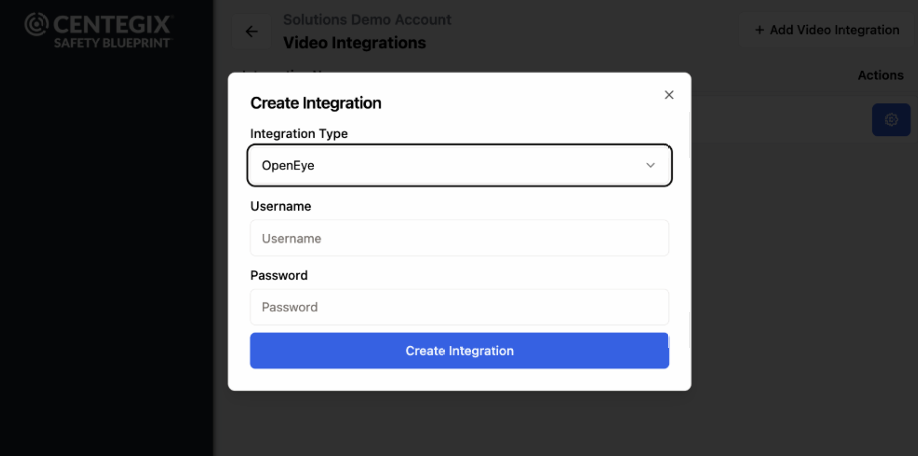
- Select OpenEye from the available integration options.
- Log in with your OpenEye username and password to create the integration.